

If you are searching “How to Choose Laptop” then this post for you. here we guide you all steps to choose best laptop which is better for you.
Table of Contents
Choosing a laptop has become a challenge these days. The market is flooded with the large number of great brands which have best processors, RAM, and prices, If you are searching for how to choose laptop To solve this problem, I’m going to provide you a step-by-step guide this guide will help you to understand the most important factors to consider before making your decision to buy a best laptop in your budget.
1. Define Your Purpose (How to choose Laptop)
The first step in choosing the right laptop is identifying why you need it.
Ask yourself why do I need a Laptop?
We can categories it in these three options :


- For Students : Look for lightweight, budget-friendly affordable laptops with long battery life.
- For Professionals to work in Office : Focus on strong performance, security, and multitasking capabilities to work smoothly in office.
- For Gamers ,Creators and Editors : Choose high-performance laptops with Powerful processor, graphics card, faster refresh rates and bigger display.
Knowing your purpose how to choose laptop helps narrow down your choices.
2. Pick the Right Operating System (OS)
- Windows → Flexible and widely used,best for most tasks and also works for everything.
- macOS (Apple) → Ideal for creative professionals.Smooth performance and stylish, best for creators, but costly.
- ChromeOS → Affordable, Budget-friendly, lightweight, great for browsing, study, and basic use.
3. Choose the Right Processor (CPU)
Think of the processor as the brain of your laptop just because it works as the brain of the laptop.
- Intel i3 / Ryzen 3 → Entry-level, suitable for students and casual use. For Basic tasks (study, browsing).
- Intel i5 / Ryzen 5 → Balanced performance for work and multitasking.
Balanced choice (students & professionals). - Intel i7 / Ryzen 7 or higher → Best for heavy tasks like Gaming, video editing, heavy software, and 3D rendering.
4. RAM & Storage – The Real Game Changers
- RAM → At least 8GB for multitasking and smooth use. Go for 16GB or more. if you edit videos or play games.
- Storage → SSDs are faster than HDDs. so I always prefer SSD over HDD. A 512GB SSD is ideal for most users, while 1TB SSD is great for professionals.
👉 Best combo? 8GB RAM + 512GB SSD.
5. Look at the Display Quality
The display affects your overall experience. Your eyes will thank you if you choose the right screen:
- Resolution: Go for Full HD (1920×1080) or higher for clear visuals.
- Size:
- 13–14 inch = Easy to carry (portability).
- 15–16 inch = Perfect balance.
- 17 inch = Big, best for gaming/editing.
- Refresh Rate: Gamers should go for 120Hz or more.
6. Battery Life Matters
If you travel often or use your laptop on the go, battery life is crucial. Look for laptops with 8–10 hours of battery backup.
7. Graphics (GPU) – Do You Need It?
- Integrated Graphics → Enough for casual use, office work, and streaming.
- Dedicated Graphics (NVIDIA/AMD) → Required for gaming, design, video editing, and heavy software.
8. Build Quality & Portability
Check the laptop’s weight, thickness, and durability. Students and travelers should prefer lightweight and slim models, while creators might choose more powerful but slightly heavier devices.
- Go for slim and light laptops if you carry them often.
9. Connectivity & Ports
Ensure your laptop has:
- USB Type-C, USB 3.0
- HDMI for external display
- Headphone jack and SD card reader (if needed)
- Wi-Fi 6 and Bluetooth 5.0 for future-ready connectivity
10. Budget & Brand Support
Finally, decide your budget and check brand reliability. Dell, HP, Lenovo, ASUS, and Apple are trusted brands with good after-sales support.
- Budget laptops: Good for study and daily use.
- Mid-range laptops: Great for office + light gaming.
- High-end laptops: Best for creators, gamers, professionals.
now you got right steps of your search how to choose laptop.
11. Laptop Recommendations+
If you are confused about how to choose laptop, here are some ready options based on different needs.+
For Students & Office Use
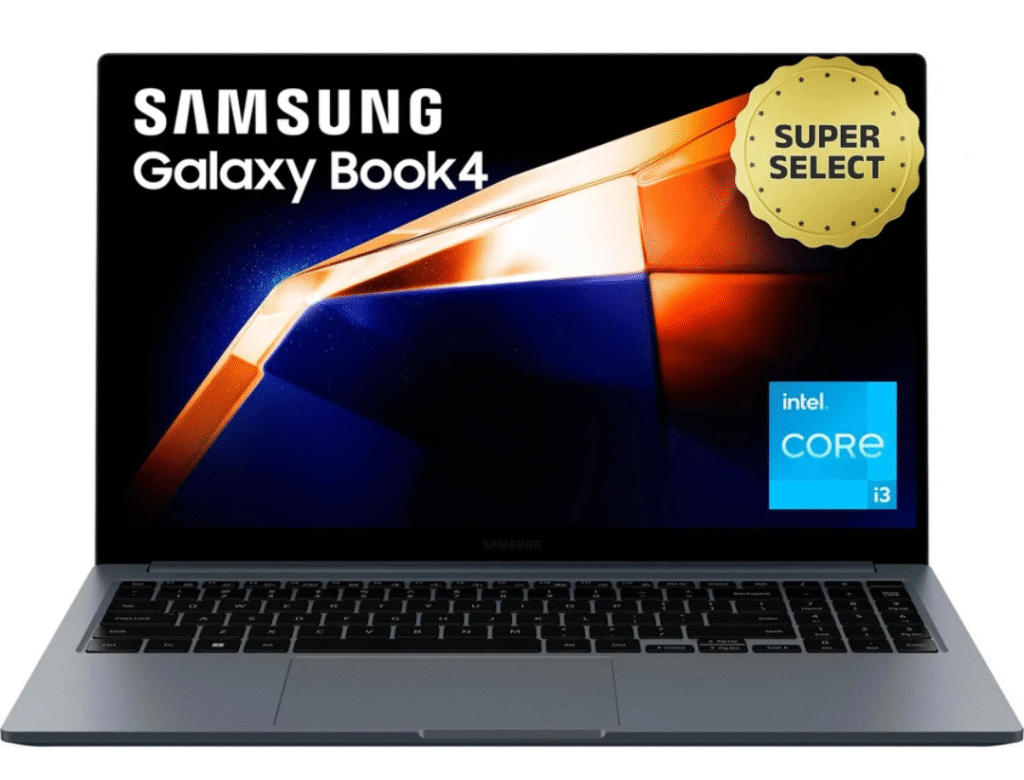
Samsung Galaxy Book4
- Look some points
- Very slim and Easy to carry
- Good Battery Backup
- Great for Study, Browsing and Work
- Good display
For Gaming & Editing
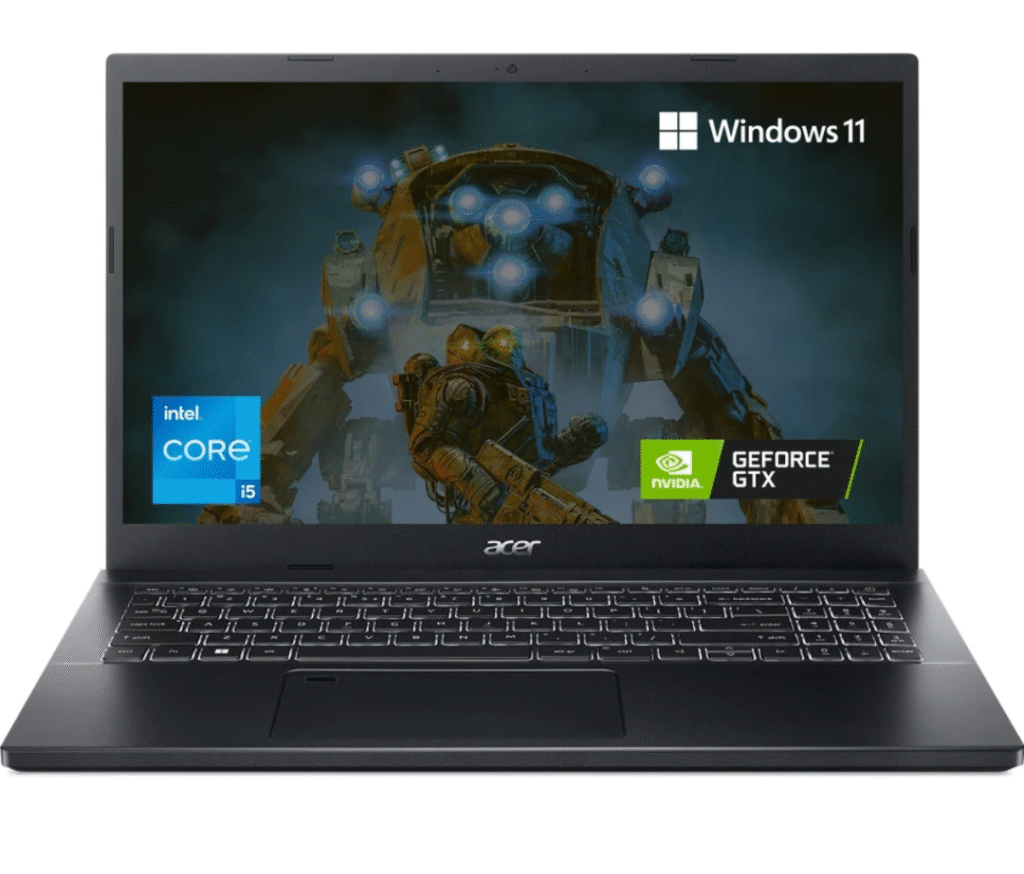
Acer Aspire 7
- Look some points
- Best value for beginners in gaming
- Handles medium games and video editing
- Affordable choice with decent power
- Good balance of gaming capability
For Serious Gamers
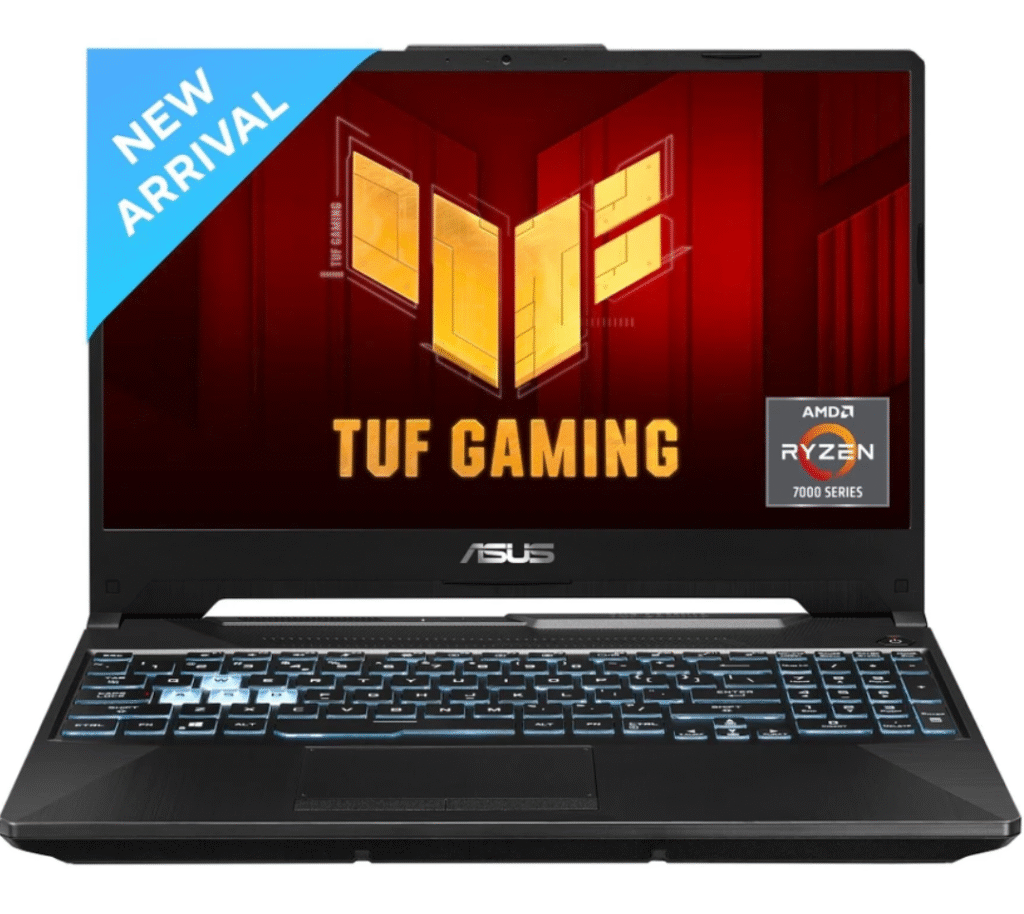
ASUS TUF Gaming A15
- Look some points
- Powerful graphics for smooth gaming
- Good cooling system
- Strong build quality
- Good display
- better gaming performance
For Heavy Work & Creators
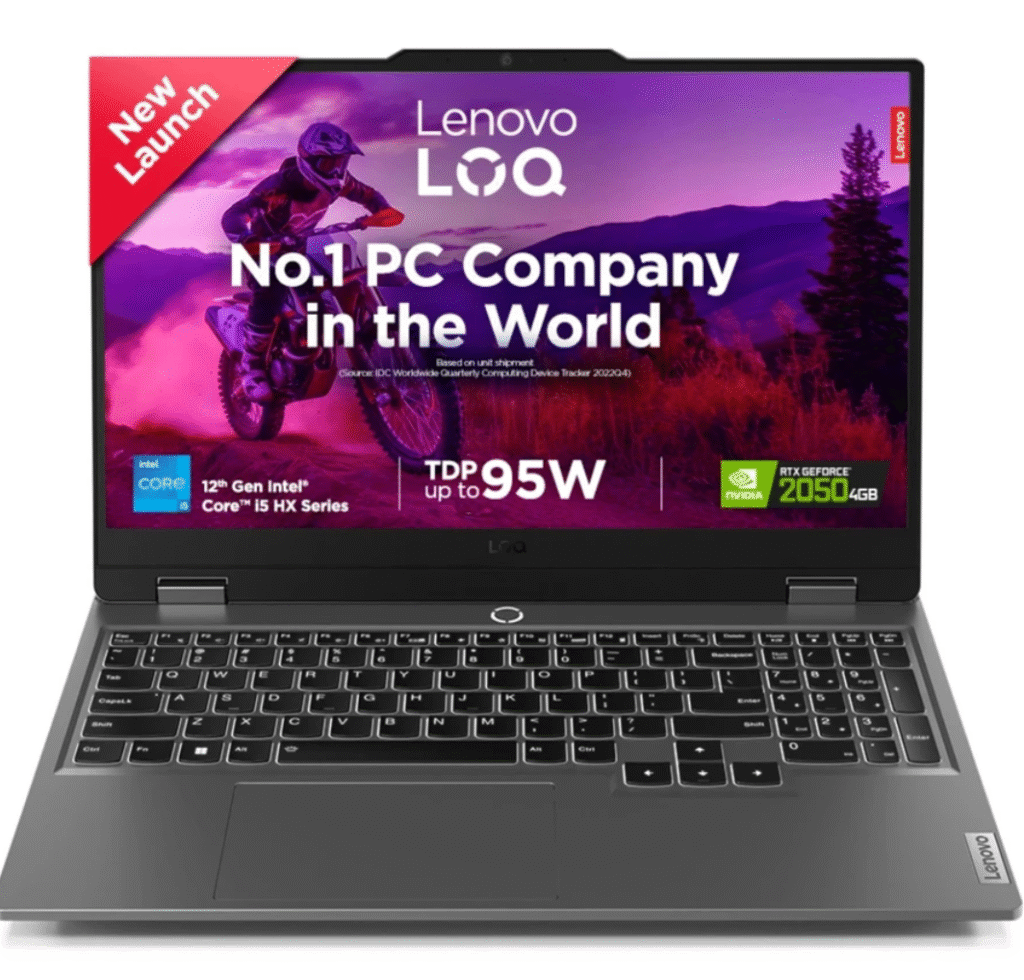
Lenovo LOQ
- Look some points
- High performance for video editing and gaming
- Big display with smooth performance
- Perfect for professionals
Balanced Choice (Work + Gaming)
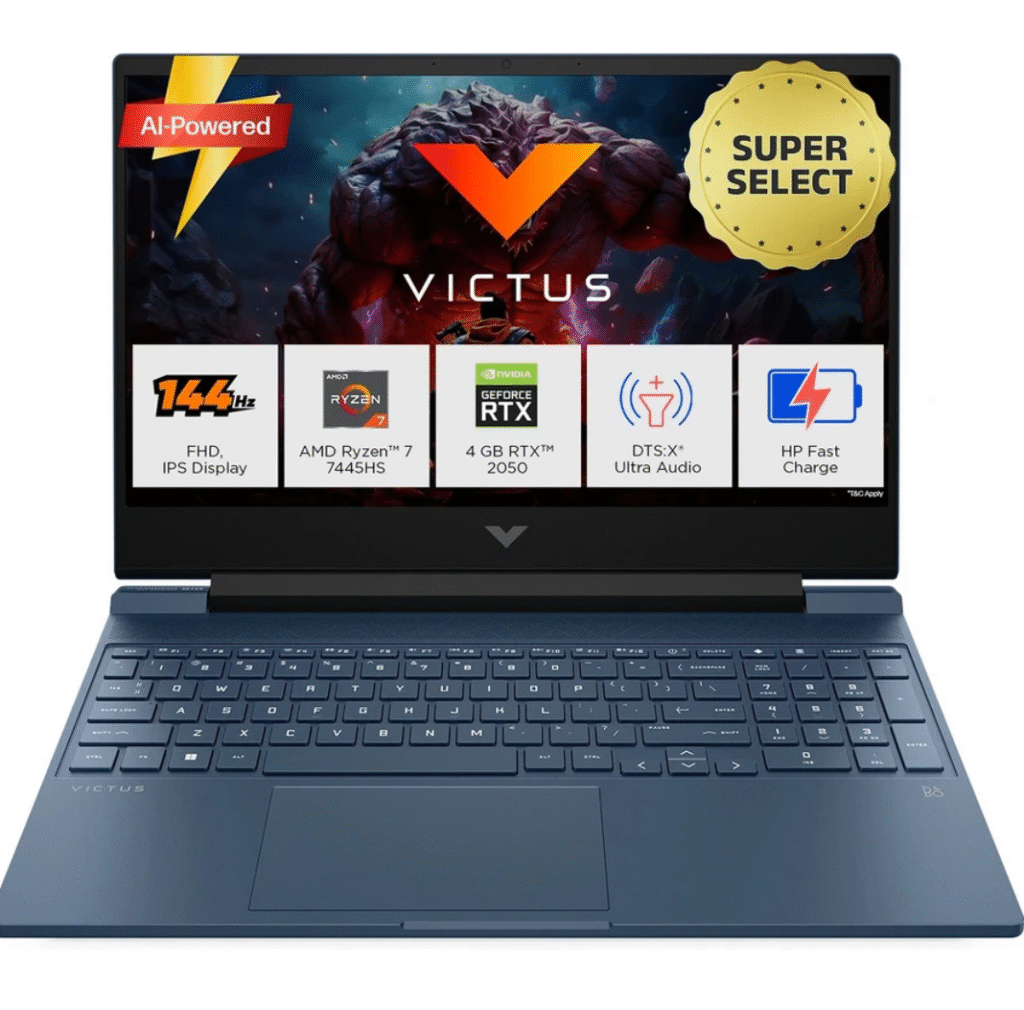
HP Victus
- Look some points
- High performance for video editing and gaming
- Big display with smooth performance
- Perfect for professionals
Final Thoughts & Tip
Choosing a laptop doesn’t have to be complicated. By focusing on your purpose “how to choose laptop“, budget, and the factors mentioned above post how to choose laptop, you can easily decide which laptop is right for you. Remember, the best laptop is not always the most expensive—it’s the one that fits your needs perfectly.
So, before buying, ask: Will this laptop make my work easier every day? If yes → That’s the one!